
Blog posts tagged "Raspberry Pi"
The Raspberry Pi Foundation recently released their new “Raspberry Pi Imager” and we love it. It’s a new tool that makes getting going with the Raspberry Pi easier than ever. All it takes is a simple install and three clicks before you have an SDcard ready for Pi. In this article, I’m going to talk
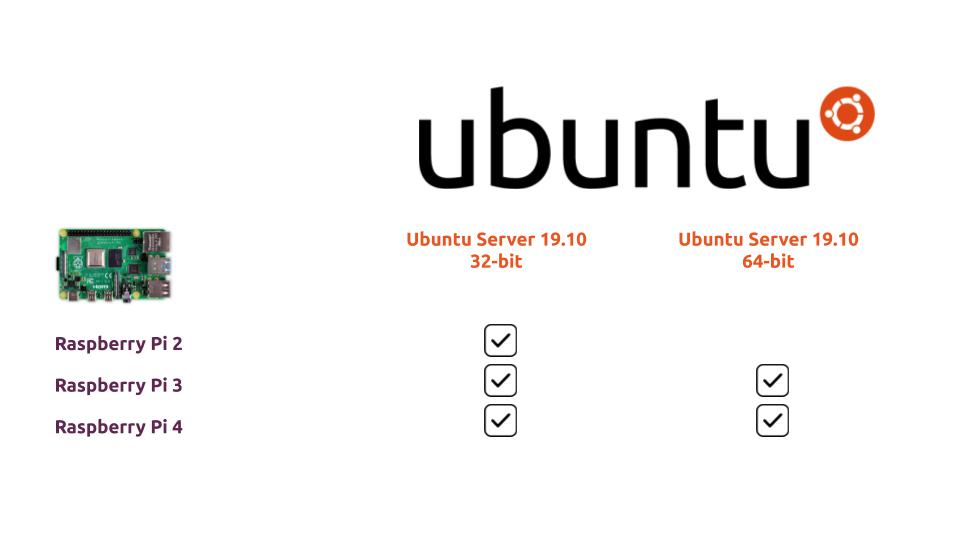
Updated 32-bit and 64-bit images of Ubuntu for the Raspberry Pi family of devices have just been released. Innovators around the world can now download 32-bit images for the Raspberry Pi 2, 3 and 4, as well as 64-bit images for the Raspberry Pi 3 and 4. With the new images, USB ports are now
Developers get new opportunities to innovate with the emergence of edge computing. However, to unleash this innovation, form factors and software stacks suitable for hacking edge applications need to be made accessible. Canonical has enabled Ubuntu on the Raspberry Pi 4 for this purpose. Furthermore, popular edge and IoT platforms are av
Update: Ubuntu 18.04 LTS and 19.10 images for the Raspberry Pi 4 are now available on the Raspberry Pi downloads page. With 19.10 release of Ubuntu Server, Canonical announced official support for the Raspberry Pi 4. The latest board from the Raspberry Pi Foundation sports a faster system-on-a-chip with a processor that uses the Cortex-A7

17th October 2019: Canonical today announced the release of Ubuntu 19.10 with a focus on accelerating developer productivity in AI/ML, new edge capabilities for MicroK8s and delivering the fastest GNOME desktop performance. “In the fifteen years since the first Ubuntu release, we have seen Ubuntu evolve from the desktop to become the pla
Artificial intelligence relies on machine vision just as much as human intelligence relies on vision. Image sensors are, therefore, crucial for AI applications because of the richness of data that they capture. Capturing and processing video and images at the edge is a capability that intelligent IoT applications need to deliver. In this
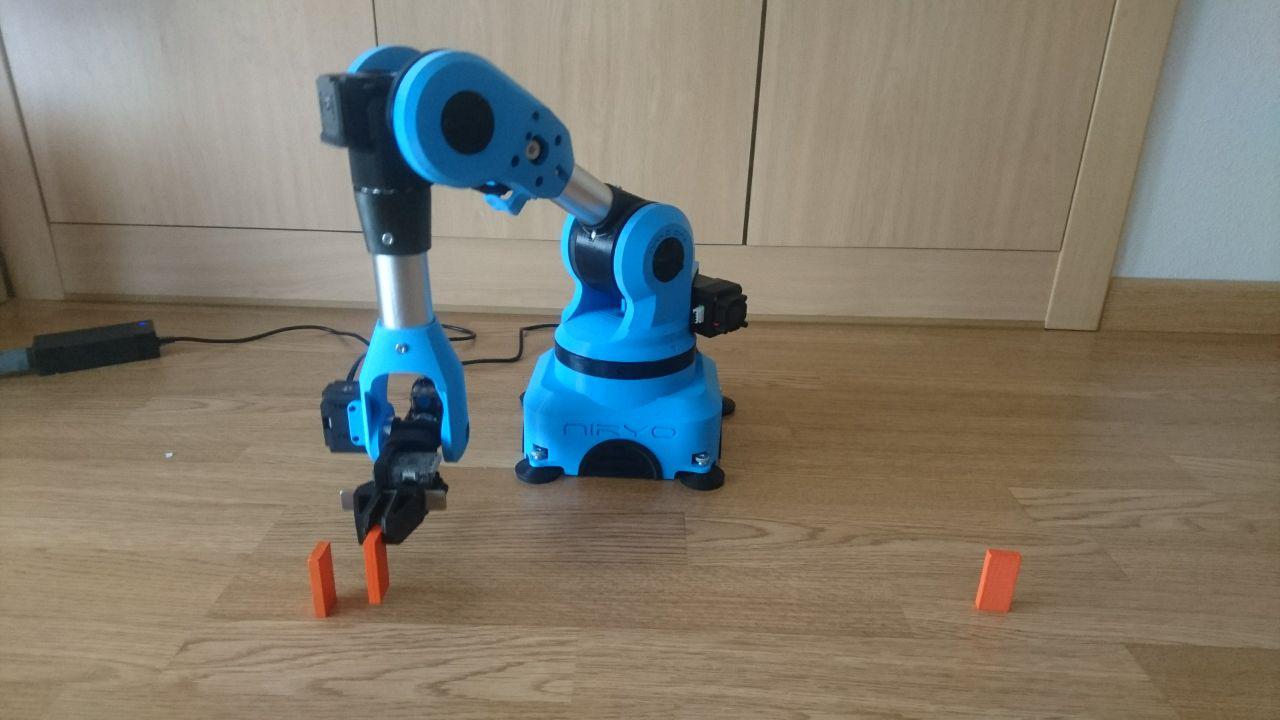
Niryo has built a fantastic 6-axis robotic arm called ‘Niryo One’. It is a 3D-printed, affordable robotic arm focused mainly on educational purposes. Additionally, it is fully open source and based on ROS. On the hardware side, it is powered by a Raspberry Pi 3 and NiryoStepper motors, based on Arduino microcontrollers. When we found
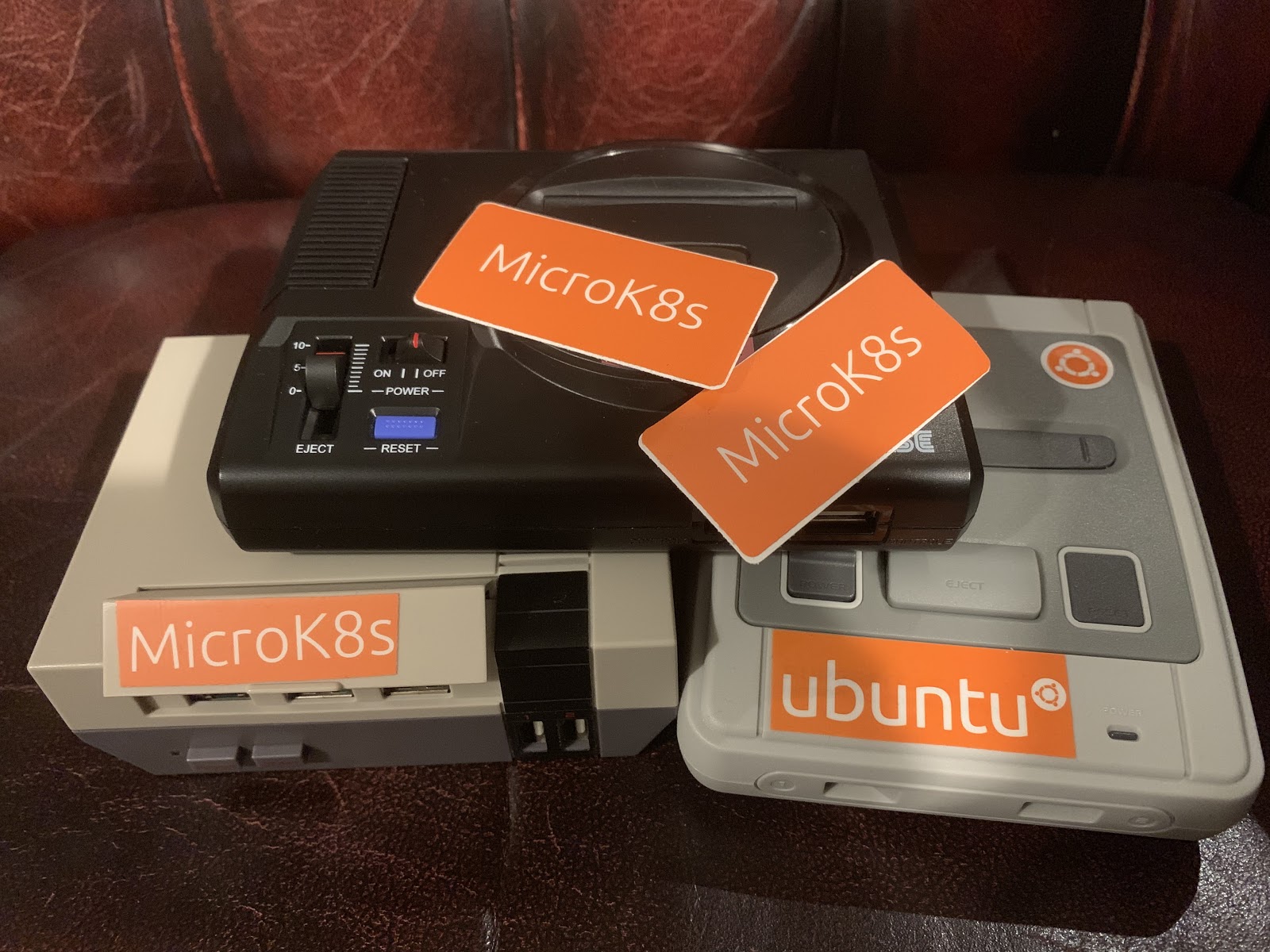
Introduction The goal of this blog post is to explain how to setup and run Ubuntu Server on a Raspberry Pi with MicroK8s on-top to provide a single-node Kubernetes host for development and testing. In the last few months Ubuntu Server 18.04 has been ported to run the Raspberry Pi 2/3 which means we can

My current job involves me mostly working in the upper layers of the desktop software stack however I started out working in what was then called embedded engineering but now would probably be know as the Internet of Things (IoT). I worked on a number of projects which normally involved taking some industrial equipment (radio

With the holidays coming up, many of us can expect to spend time with our friends and families, often listening to seasonal music, or indeed escaping the seasonal music! Whether you’re joining in or getting away from the crowd, this simple project can help. This is part one of a series of posts where I
![Your first robot: Sharing with others [5/5]](https://ubuntu.com/wp-content/uploads/fc8c/thumbnail.jpg)
This is the fifth (and final) blog post in this series about creating your first robot with ROS and Ubuntu Core. In the previous post we discussed methods of control, did a little math, and wrote the ROS driver for our robot. But it still required several nodes to be running at once, and sharing
![Your first robot: The driver [4/5]](https://ubuntu.com/wp-content/uploads/a4bb/edukit.jpg)
This is the fourth blog post in this series about creating your first robot with ROS and Ubuntu Core. In the previous post we worked on getting data out of the wireless controller and into ROS in a format meant for controlling differential drive robots like ours: the Twist message. Today we’re going to create
![Your first robot: The controller [3/5]](https://ubuntu.com/wp-content/uploads/881f/controller.jpg)
This is the third blog post in this series about creating your first robot with ROS and Ubuntu Core. In the previous post you were introduced to the Robot Operating System (ROS), and got your robot moving by ROSifying one of the CamJam worksheets. Today we’re going to move beyond the CamJam worksheets, and work
![Your first robot: Introduction to the Robot Operating System [2/5]](https://ubuntu.com/wp-content/uploads/169e/thumbnail.jpg)
This is the second blog post in this series about creating your first robot with ROS and Ubuntu Core. In the previous post we walked through all the hardware necessary to follow this series, and introduced Ubuntu Core, the operating system for IoT devices. We installed it on our Raspberry Pi, and used it to
![Your first robot: A beginner’s guide to ROS and Ubuntu Core [1/5]](https://ubuntu.com/wp-content/uploads/e6ae/BB1A6282_scaled.jpg)
Some time ago I created a blog/video series that walked the reader through creating a prototype using the Robot Operating System (ROS) and taking it to production using Ubuntu Core. However, that series was intended more for robotics professionals; it assumed quite a bit of ROS knowledge, and required some costly equipment (the robot was

London UK, 27th June 2017: Canonical, the company behind Ubuntu, today announces that its IoT OS, Ubuntu Core, is available on the Raspberry Pi Compute Module 3 – the general-purpose compute product from the Raspberry Pi Foundation. The Raspberry Pi Compute Module 3 (CM3), announced in January 2017, is a micro-version of the Raspberry Pi